Blackout Setup
During Blackout, we're going 30 days without digital distractions.
Think of this guide as cleaning out the junk food before starting a diet.
Foundations
✂️ Delete Distracting Apps
- News: NYT, Apple News, ESPN, Google App
- Social: Instagram, TikTok, X, Reddit, LinkedIn, Snapchat
- Video: YouTube
- Podcasts: Apple, Google, etc.
If you find yourself reinstalling, try Freedom to block them.
Beeper centralizes DMs from Instagram, X, LinkedIn, etc. without the noise of their mobile apps
🔕 Turn Off Notifications
Notifications put control of your attention in others' hands.
Go to Settings → Notifications to disable alerts for apps.
My Notifications Setup:
- Laptop: Calendar
- Phone: Calls, Reminders, Calendar
- Everything else: Check as-needed
📫 Take Control of Email
Unsubscribe from newsletters and other distracting emails.
- Daily news digests
- Promotional emails
- Current events content
- Social media updates
For more of a challenge, removing email from your phone is helpful.
👻 Hide Distractions on Useful Sites
Undistracted hides feeds and noise on LinkedIn, X, Facebook, Instagram, Youtube, etc.
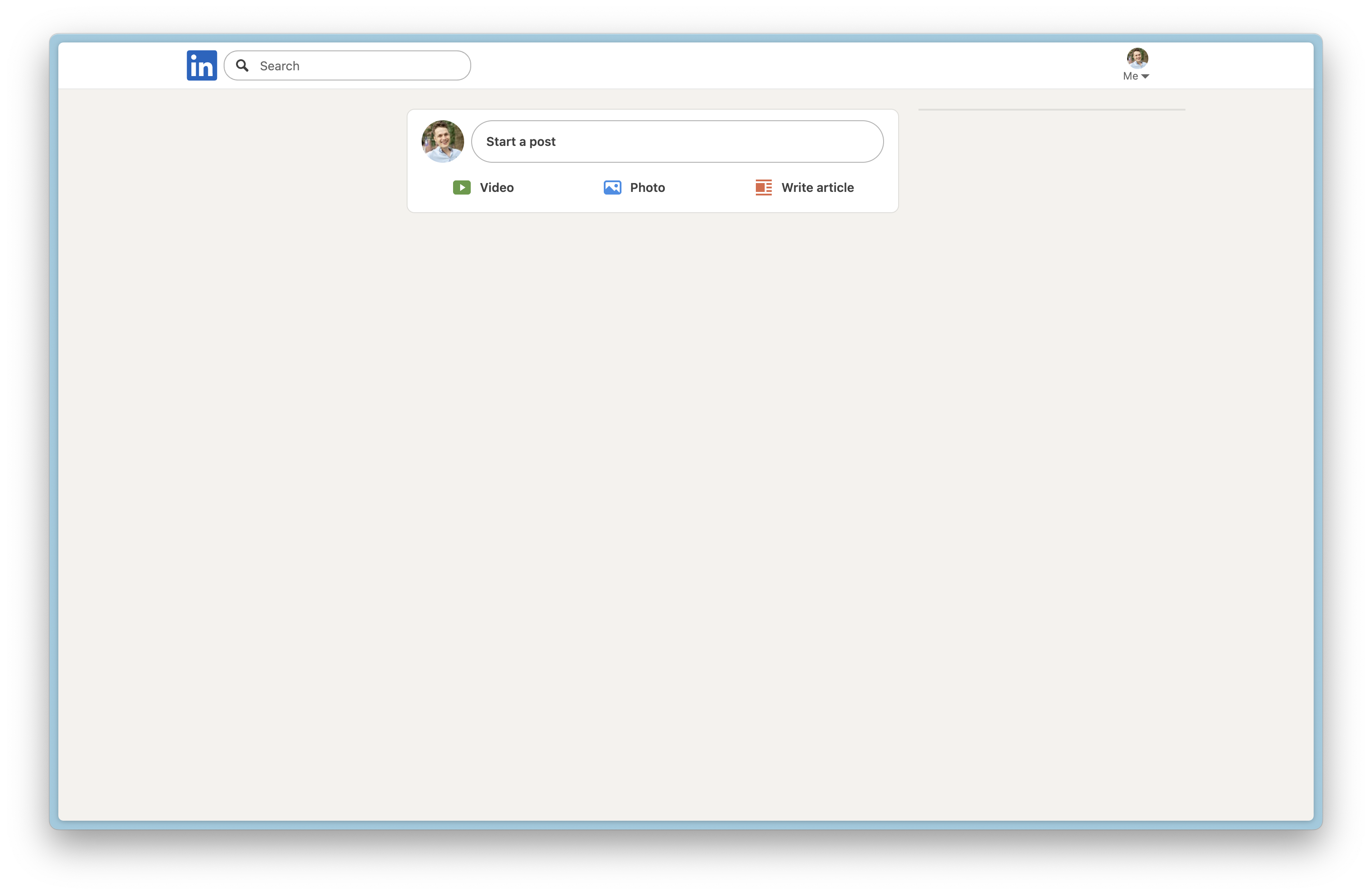
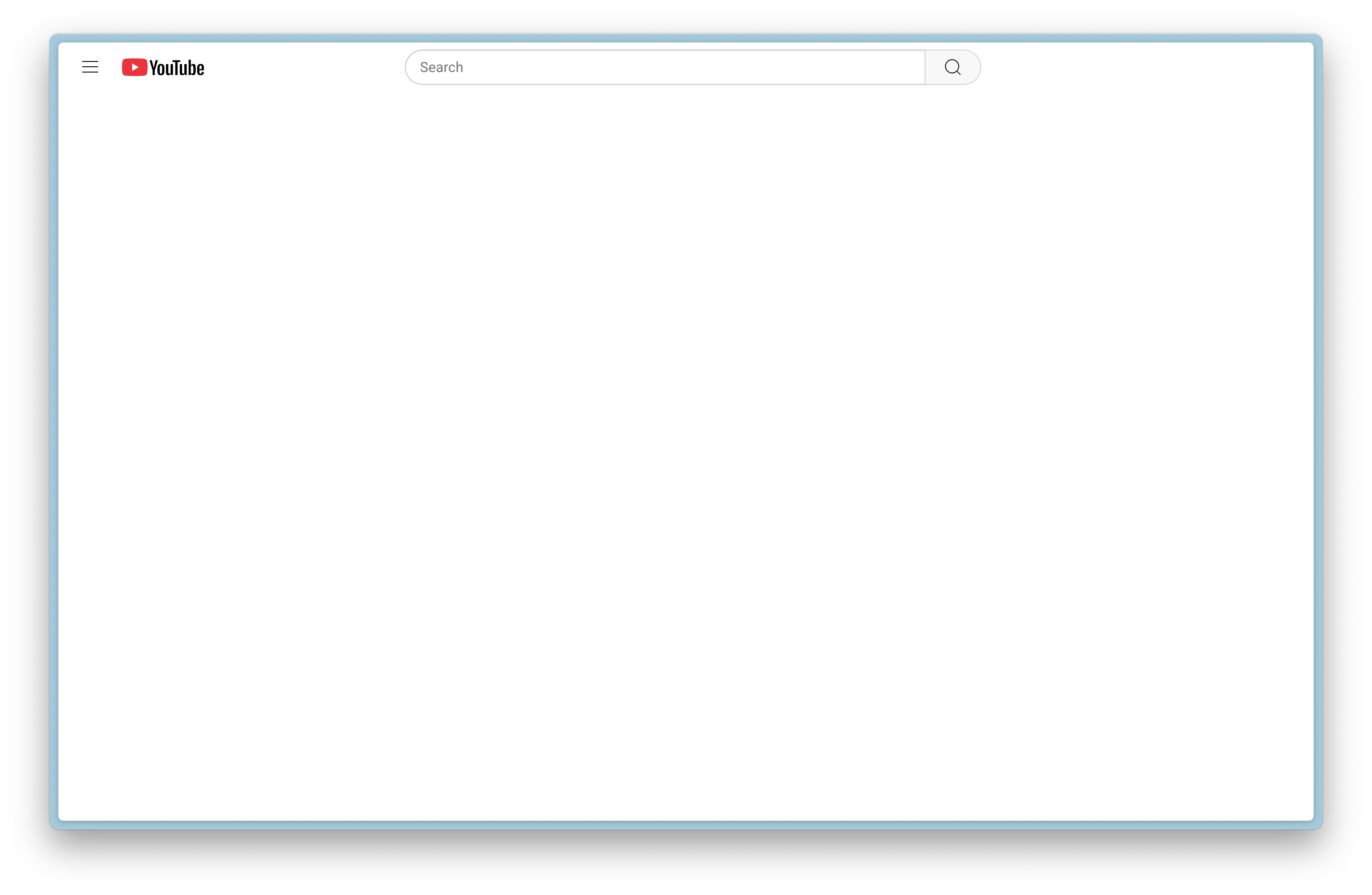
YouTube
🚫 Block Distracting Websites
We recommend Freedom to block websites and apps.
📹 Video: Setting Up Freedom
Demo of configuring website blocking with Freedom
Practices
📋 Create a Question Document
When the urge comes to Google something, write down the topic/question in a document for the research period post-blackout.
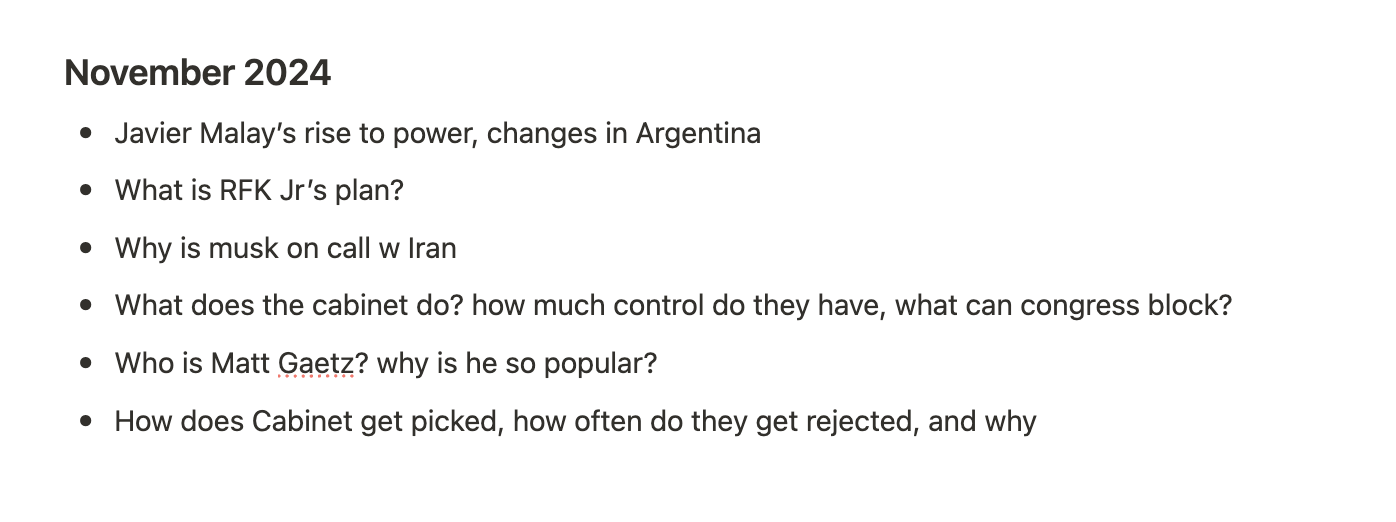
None of these felt important to research post-blackout.
🔄 When Things Slip Through
If news or distractions sneak through, adjust your systems and keep going.
🚨 Handling Urgent Situations
Ask a trusted friend or family member to be your eyes and ears.
We've found emergencies (e.g. family in the hospital, natural disasters, urgent work) find us regardless of our setup.
Everything else—news events, social drama, non-critical work updates—can wait.
Advanced
🙅♂️ Add Friction to Reduce Phone Usage
We recommend ClearSpace (iOS, Android)
Brick adds a physical barrier to using your phone.
📵 Switch to a Dumbphone
I use Dumbphone 2 by DUMB.co. It has iMessage, WhatsApp, Uber, and Google Calendar, but not much else.
It pairs well with my iPhone, which I leave in a drawer and use when necessary.
🔍 Quieter Search & Browser
- Replace Google with Perplexity - minimal news, cleaner search results.
- Or you can hide news from Google using Adblock (or Boosts if you use Arc)
Use Empty New Tab Page for a blank new tab page.
Questions or Comments?
Email us at hello@blackout.wiki